Look at the last 20 requests
What did people actually send? What details were missing? What did you have to ask in the first reply? That tells us what the form needs to capture.
Contact forms and quote requests
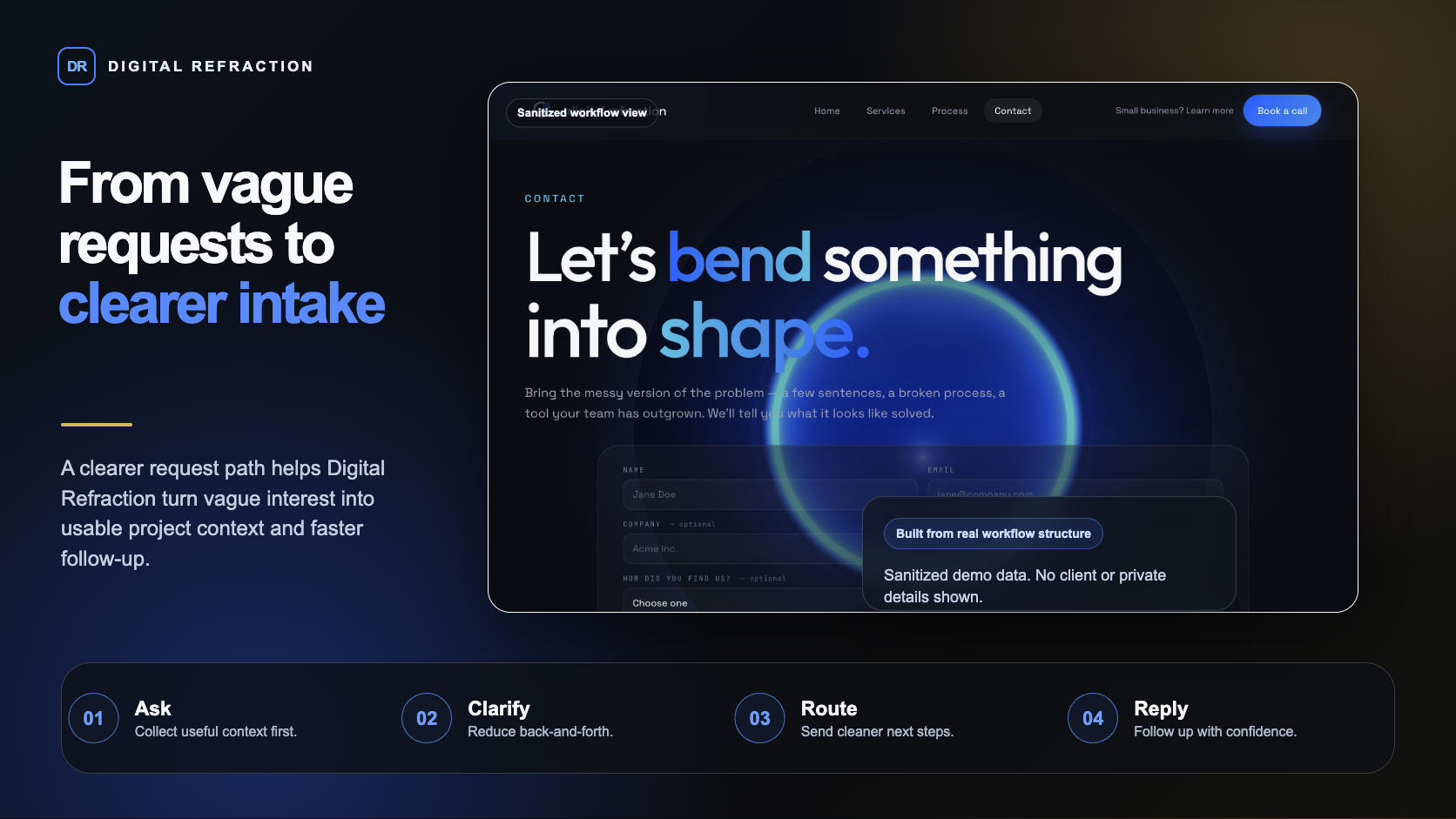
A contact form should set up a useful first reply - not collect names. We rebuild the form, the routing, and the follow-up so requests arrive ready to answer, and so the right people actually finish filling it out.
Bring whatever you have. Even a Google Form is a fine starting point.

THE WORK BEHIND THE IDEA
What goes wrong
Four common issues to check before replacing the form.
'Name, email, message.' The visitor types 'Hey, do you do kitchen renovations?' and now you need three more emails before you can quote anything.
Talk through this with us ↗Four things, in order. The form, the page, the routing, the confirmation.
Project type, service area, timing, and contact details may be enough. Ask about budget when it changes the next step, and let people say they are not sure.
Tell customers when to expect a reply and what preparing a quote involves. Use timings your business can actually meet.
Email and a simple list or dashboard. You can see what came in, who has been replied to, and what is still waiting - without searching an inbox.
The customer immediately sees "we got it, here's what happens next." This gives the customer a clear receipt and explains the next step.
How we rebuild it
Start from real requests, keep what matters, connect the handoff.
What did people actually send? What details were missing? What did you have to ask in the first reply? That tells us what the form needs to capture.
Remove fields that don't change how you reply. Add the ones that do. The form usually gets shorter and more useful at the same time.
Form submissions land in a list you can scan, with status. Confirmations send automatically. The owner sees what's new on a Monday morning without opening the inbox.
Example workflow
Example: a service business asks for the type of work, location, timing, and contact details before a quote conversation. A confirmation explains the next step, and requests arrive together for review, ready for a more useful first reply.
A contact form is a conversation starter, not a survey. The right one asks just enough that your first reply can be useful - and just little enough that people actually finish it on their phone.
You do not need a polished brief. These are the details we work through before a build begins.
LocalCare helps established owner-operated businesses implement AI and workflow automation. Custom projects start at $5,000 CAD; one recurring workflow is a useful starting scope.
Your proposal will name the person responsible for delivery and your day-to-day contact. We agree who needs to review decisions before work starts.
Yes. Start with the existing website, spreadsheet, or app. A configuration change or an off-the-shelf tool may be enough; custom software is useful when the missing workflow justifies it.
One defined problem, agreed deliverables, review points, and a handoff. The proposal separates included work from additions such as more pages, integrations, data cleanup, or ongoing content changes.
Workflow complexity, integrations, data readiness, testing, and team review determine the price and schedule. We agree both before implementation; subscriptions, usage, and ongoing maintenance are identified separately.
Hosting, domains, paid tools, email services, and AI usage can have recurring charges. The proposal identifies which are needed, who pays for them, and whether support or future changes are separate.
Before starting, we document account ownership, access, the rights to content and custom code, third-party licences, and available data exports. The handoff should make clear what you can keep, move, or maintain elsewhere.
The agreed support plan sets out its duration, included fixes, contact method, response hours, and how extra work is priced. Launch support is not an unlimited maintenance subscription.
A person who can make decisions, examples of the current work, approved content, and access through an appropriate account invitation. We agree review dates and dependencies before setting the launch date.
Start simple
Send a link, a screenshot, or just describe what people are doing wrong on it. We can usually tell you what to change in the first call.
Prefer email? Say hello ↗